Screen comfort
Gaming Eye Strain: Why Your Eyes Feel Tired While Playing
Learn why gaming can leave your eyes dry or tired, what studies show about blinking during play, and how to fit breaks and BlinkEasy reminders into your sessions.
What “gamer eye” means
“Gamer eye” is an informal name for eyes that feel dry, tired, or blurry during or after a game. The American Optometric Association discusses these complaints as digital eye strain, also called computer vision syndrome (CVS). Headaches and neck or shoulder tension can be part of the same screen-work pattern. The phrase does not refer to a separate eye diagnosis. Read the AOA guidance on gaming and digital eye strain.
Games can keep your attention on a nearby display for long stretches. Blink habits, readable game text, viewing distance, room lighting, posture, and a prescription that suits the setup can all matter. Our broader guide explains these contributors to screen discomfort in more detail. Explore the computer vision syndrome guide.
Intense play can change blinking
In a study of 50 healthy college students, four hours of uninterrupted PC gaming was followed by more tired and dry-feeling eyes. Average blink rate fell below 9 blinks per minute during play. The researchers also observed temporary changes in focusing and eye coordination and recommended taking breaks to look into the distance during long gaming sessions. Read the four-hour gaming study.
In another experiment, 20 casual gamers watched and played short segments from action, adventure, and sports games while their blinks were recorded. Blink rate was lower during viewing and play than during a quiet baseline, and blinks were less frequent during fast-moving scenes. Read the study of blinking during gameplay.
Make breaks fit your game
The AOA recommends the 20-20-20 rule for gamers: every 20 minutes, look at something about 20 feet away for 20 seconds. A round ending, a checkpoint, or time in a queue can be a natural moment to do it. If a reminder arrives during action, use the next convenient pause. See the AOA eye-health tips for gamers.
- Set down the controller or take your hands off the keyboard and look across the room or out a window. Scrolling on a phone keeps your eyes on another close screen.
- Let yourself blink gently and completely during the pause, without squeezing your eyelids.
- Between longer stretches of play, step away from the display and change position before starting another round.
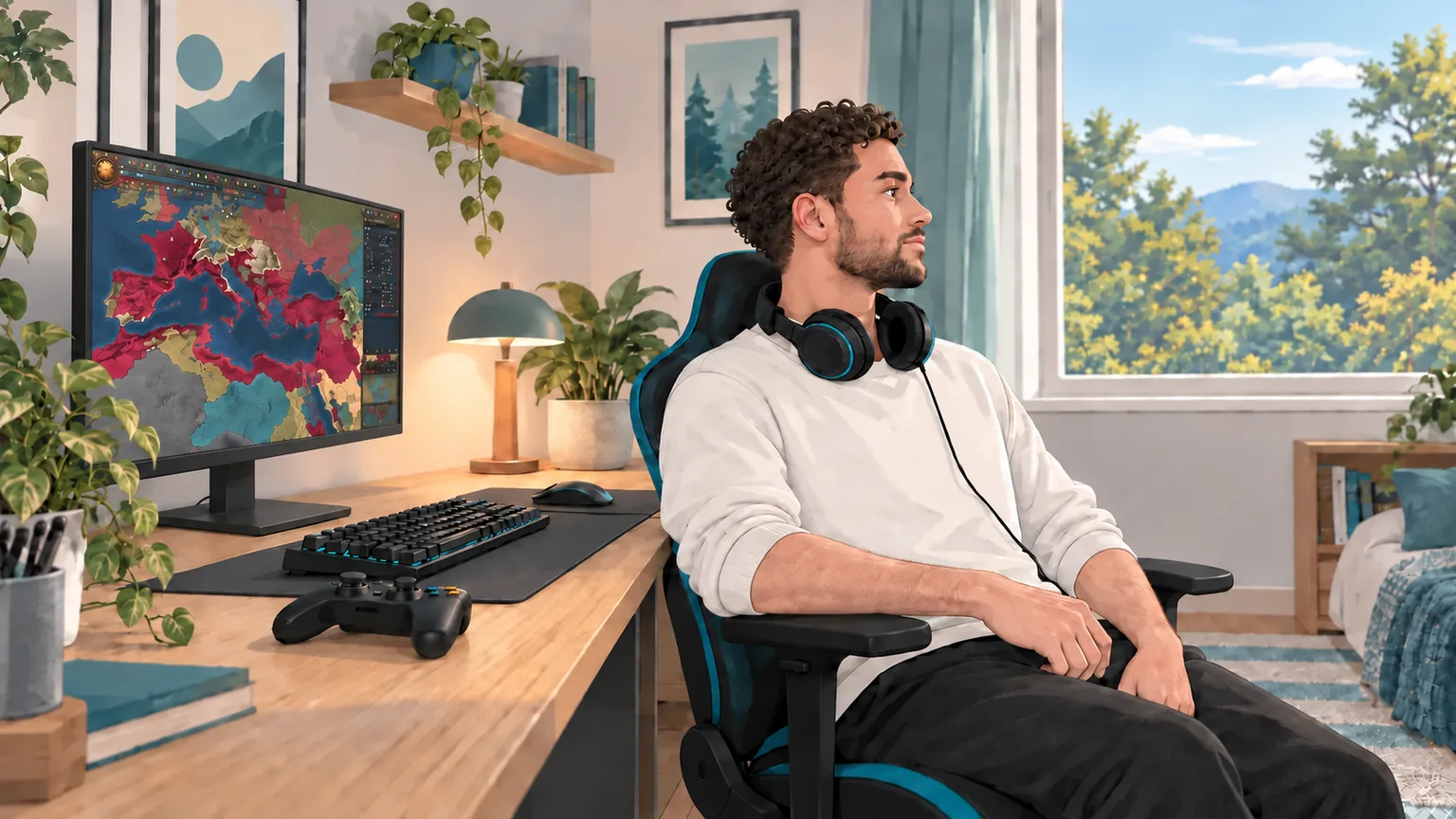
A short pause is a chance to look into the distance and blink comfortably.
Set up each screen for comfort
A gaming monitor, living-room TV, and handheld device place different demands on your eyes and posture. Keep the display readable without leaning toward it, reduce reflections, and adjust brightness to suit the room. Review the AOA setup guidance for gamers.
- At a desktop, enlarge game menus, captions, or the heads-up display when possible instead of moving closer to read them. Position the monitor at a comfortable distance and angle.
- At a TV, sit where menus and subtitles are clear without squinting. Use some room lighting and move lamps that reflect off the screen.
- With a handheld device, use available text-size settings and hold it at a distance you can read comfortably. Support your arms and change your neck position during a long session.
Our screen ergonomics guide walks through viewing distance, glare, and posture in more detail. Review your setup.
How BlinkEasy can help during play
On a Windows PC or Mac, BlinkEasy uses your webcam to show your blink rate and can alert you when it falls below a target you choose. Even a professional map starer can use a nudge to look beyond the screen. BlinkEasy’s screen-break reminders provide that cue, and its daily reports show your blink rate, screen time, and breaks so you can tune the reminders to your play style. Explore BlinkEasy.
BlinkEasy is designed to work with most games. Its optimized processing keeps blink tracking responsive, while lightweight reminders run alongside your game without noticeably affecting your FPS.
Get a comprehensive eye exam
We recommend a comprehensive eye exam as part of a comfortable gaming setup. Tell your eye doctor which screens you use, your usual viewing distance, and what you notice during play. An exam can check whether your prescription suits that distance and how well your eyes focus and work together. See how the AOA evaluates digital eye strain.