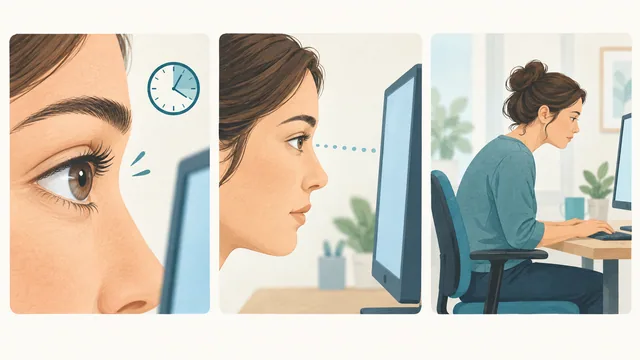
Computer vision syndrome can involve dry eyes, blur, headaches, and neck tension. Learn why screen work feels uncomfortable and what can help.
Understand the different causes of digital eye strain and where BlinkEasy fits into a more comfortable screen routine.
Read the guide →
Make text, menus, and apps bigger in Windows 11 and Windows 10. Step by step: display scaling (DPI), text size, and browser zoom for easier reading.
Read and use Windows more comfortably while keeping your display at its native resolution.
Read the guide →
Check your screen position, text size, lighting, keyboard reach, and break habits, with a practical adjustment to try for each one.
Turn a quick look around your desk into a useful action list.
Read the guide →
Tired, dry eyes after gaming? Studies show blinking slows during play. How to fit eye breaks into your sessions and set up your screen for long games.
A practical guide to blinking, breaks, and screen setup during gaming, with tips for using BlinkEasy.
Read the guide →
Learn simple blinking exercises for dry eyes, why you forget to blink when you concentrate, and how BlinkEasy reminds you to blink fully at the computer.
Practice full, comfortable blinks and use BlinkEasy reminders to make them part of your screen routine.
Read the guide →
Forget to blink when you concentrate? Try this short routine for conscious blinking and screen breaks, and let BlinkEasy remind you when it's time.
A simple routine for screen breaks and conscious blinking, with reminders from BlinkEasy.
Read the guide →
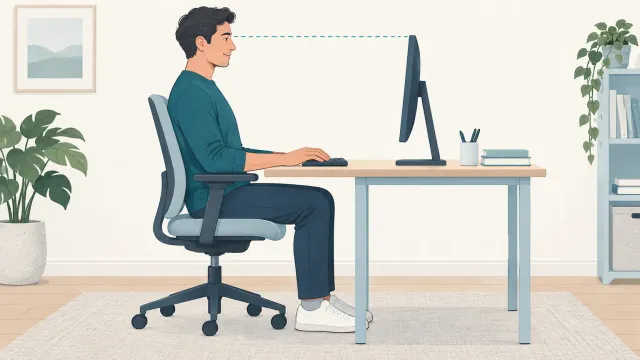
How high and how far away should your monitor be? Set screen height, viewing distance, text size, and lighting with this practical desk setup checklist.
Adjust your screen position, lighting, and desk setup, one step at a time.
Read the guide →
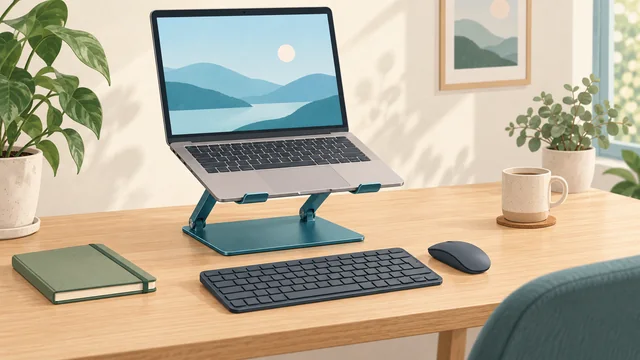
Practical laptop ergonomics for occasional use, a regular desk, and small or shared workspaces. Learn where a separate keyboard, mouse, or monitor can help.
Find a practical laptop setup for a quick task, a full workday, or a shared desk.
Read the guide →
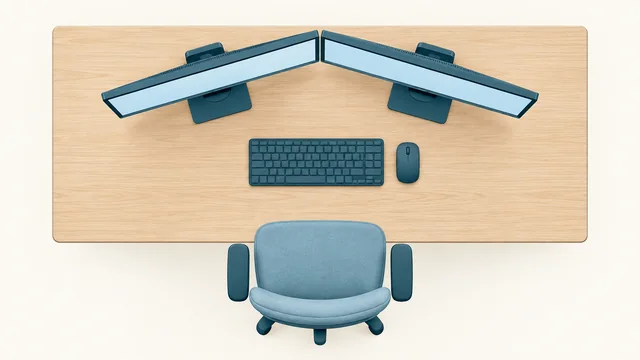
Arrange dual monitors around your work: one primary screen, two equally used displays, or a laptop beside a monitor. Includes practical layout diagrams.
Choose a dual-monitor layout that keeps your main task comfortably in view.
Read the guide →
Adjust your computer setup when you wear progressive lenses or bifocals. Check screen height, chin position, and useful measurements for an eye appointment.
Fit screen position to your glasses and bring useful workspace details to your eye appointment.
Read the guide →
Make the most of daylight, position your desk lamp, and adjust monitor brightness for more comfortable computer use. Find and reduce glare at your desk.
Find a place for your screen and lamps that keeps light on your work and reflections off your display.
Read the guide →
Eyes dry at the computer? You blink less when you concentrate, and moving air speeds up evaporation. Practical desk changes and what an eye exam can show.
Blinking, airflow, and text size: practical adjustments for more comfortable computer use.
Read the guide →
In an incomplete blink, the eyelids don't fully meet, so part of the eye misses fresh tears. What research found about screen reading and how to blink fully.
Why full eyelid closure matters, what research found about screen reading, and how BlinkEasy reminders encourage complete blinks.
Read the guide →
Dry eye involves the tear film; digital eye strain is a broader set of screen-related complaints. See how they differ, where they overlap, and what helps.
Dry eye concerns the tear film, while eye strain is a broader term. See where the two overlap and what helps with each.
Read the guide →
Every 20 minutes, look at something 20 feet away for 20 seconds. How the 20-20-20 rule rests your eyes, where to look, and how to remember your breaks.
Give your eyes a break from close-up work: every 20 minutes, look about 20 feet away for 20 seconds.
Read the guide →
Organize screen breaks, backup glasses, contact lens supplies, and a practical desk routine for days with meetings and extended computer work.
A practical guide to planning a screen-heavy day around your existing contact lens routine, with a work-bag checklist.
Read the guide →
Yes. When dryness irritates the eye, it can respond with extra tears. Why that happens, what else causes watery eyes, and what an eye exam can show.
Why dry eyes can water, why a burst of tears does not fix dryness, and what else can cause watery eyes.
Read the guide →
In evaporative dry eye, tears evaporate too quickly from the eye's surface. How the tear film's oil layer, blinking, and airflow play a role during screen work.
A closer look at tear evaporation, complete blinking, and reminders for more comfortable screen work.
Read the guide →
In MGD, the oil glands in your eyelids don't supply the tear film as they should. What the glands do, how MGD relates to dry eye, and how eye doctors check it.
How the oil glands in your eyelids support the tear film, what changes in MGD, and where complete blinking fits in.
Read the guide →
Answers to common dry eye questions: causes, home care, eye drops, foods, vitamins, warning signs, and treatment options.
Understand what can help dry eyes, which claims need caution, and when an eye exam matters.
Read the guide →
 Computer Vision Syndrome (Digital Eye Strain)
 How to Make Text and Apps Bigger in Windows
 Check Your Desk Setup in 5 Minutes
 Gaming Eye Strain: Why Your Eyes Feel Tired While Playing
 How to blink more - Blinking exercises for Dry Eye
 How to Remember to Blink: A Simple Screen-Time Routine
 Computer Screen Ergonomics: Height, Distance, and Glare
 Laptop Ergonomics: Set Up a Comfortable Workspace
 Dual Monitor Setup: How to Arrange Two Screens Ergonomically
 Using a Computer With Progressive Lenses or Bifocals
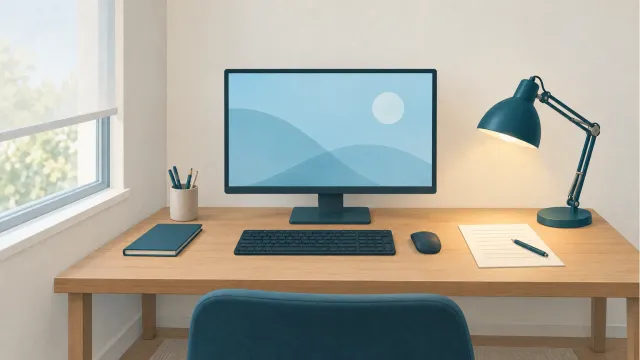 How to Reduce Screen Glare: Lighting for Computer Work
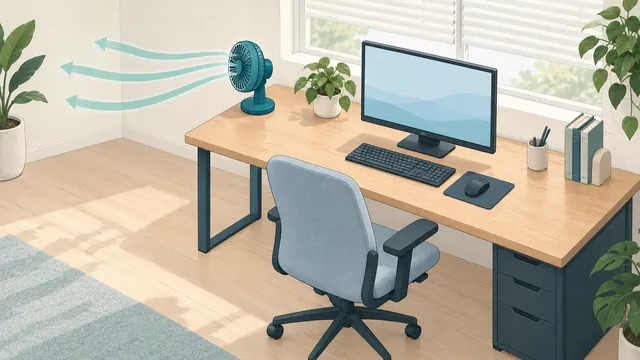 Why Do My Eyes Get Dry at the Computer?
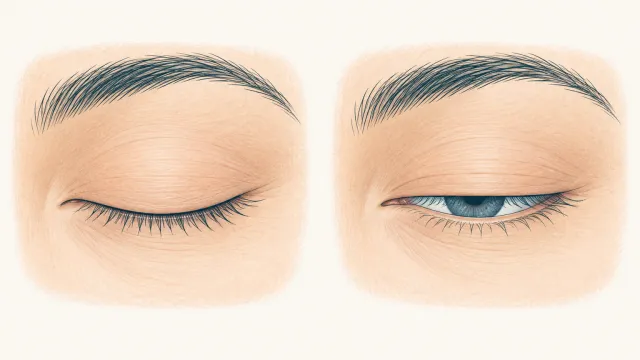 Incomplete Blinking: Why Partial Blinks Can Leave Eyes Dry
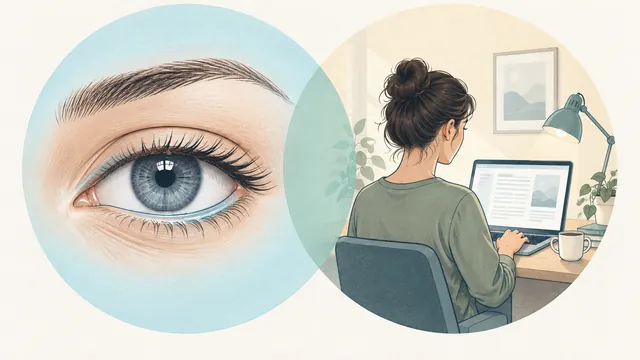 Dry Eye vs. Eye Strain: What's the Difference?
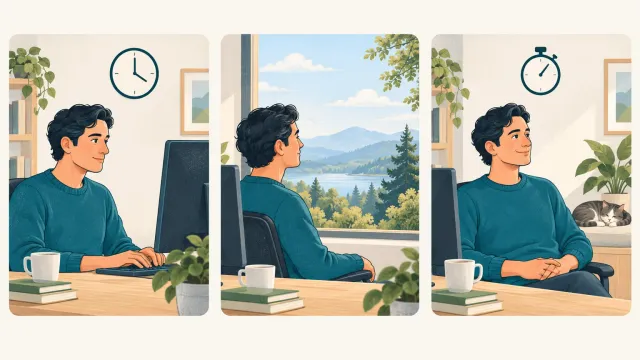 The 20-20-20 Rule: How It Works and How to Remember It
 Contact Lenses and Screen Time: Tips for Long Workdays
 Can Dry Eyes Cause Watery Eyes?
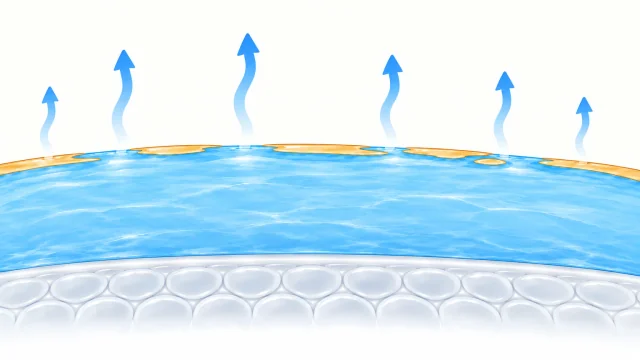 Evaporative Dry Eye: Why Tears Evaporate Too Quickly
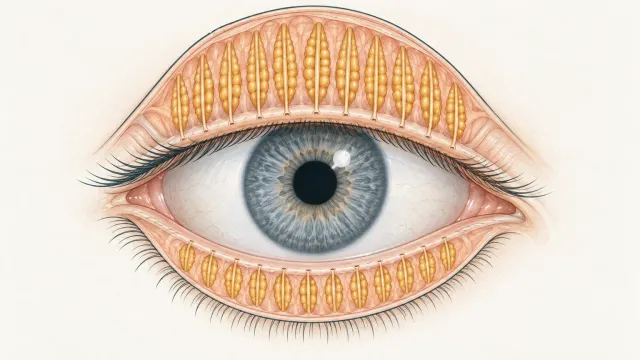 Meibomian Gland Dysfunction (MGD): A Plain-English Guide
 Dry Eye Symptoms, Causes, Relief, Vitamins, and Treatments