Screen comfort
Dry Eye vs. Eye Strain: What's the Difference?
Dry eye involves the tear film; digital eye strain is a broader set of screen-related complaints. See how they differ, where they overlap, and what helps.
Two terms with different meanings
Dry eye is about the tear film and the surface of the eye. Digital eye strain is a broader term for the eye, vision, and body complaints that can follow long stretches of screen use. Dryness can be part of eye strain, which is why the two terms are so easy to mix up.
The National Eye Institute describes dry eye as a problem with having enough tears or with how those tears work. The term concerns the eye surface and its tear film. Read the NEI overview of dry eye.
Digital eye strain is a broader name for eye and vision complaints associated with extended screen use. The American Optometric Association includes dryness among those complaints, alongside issues such as headaches and blurred vision. Read the AOA explanation of digital eye strain.
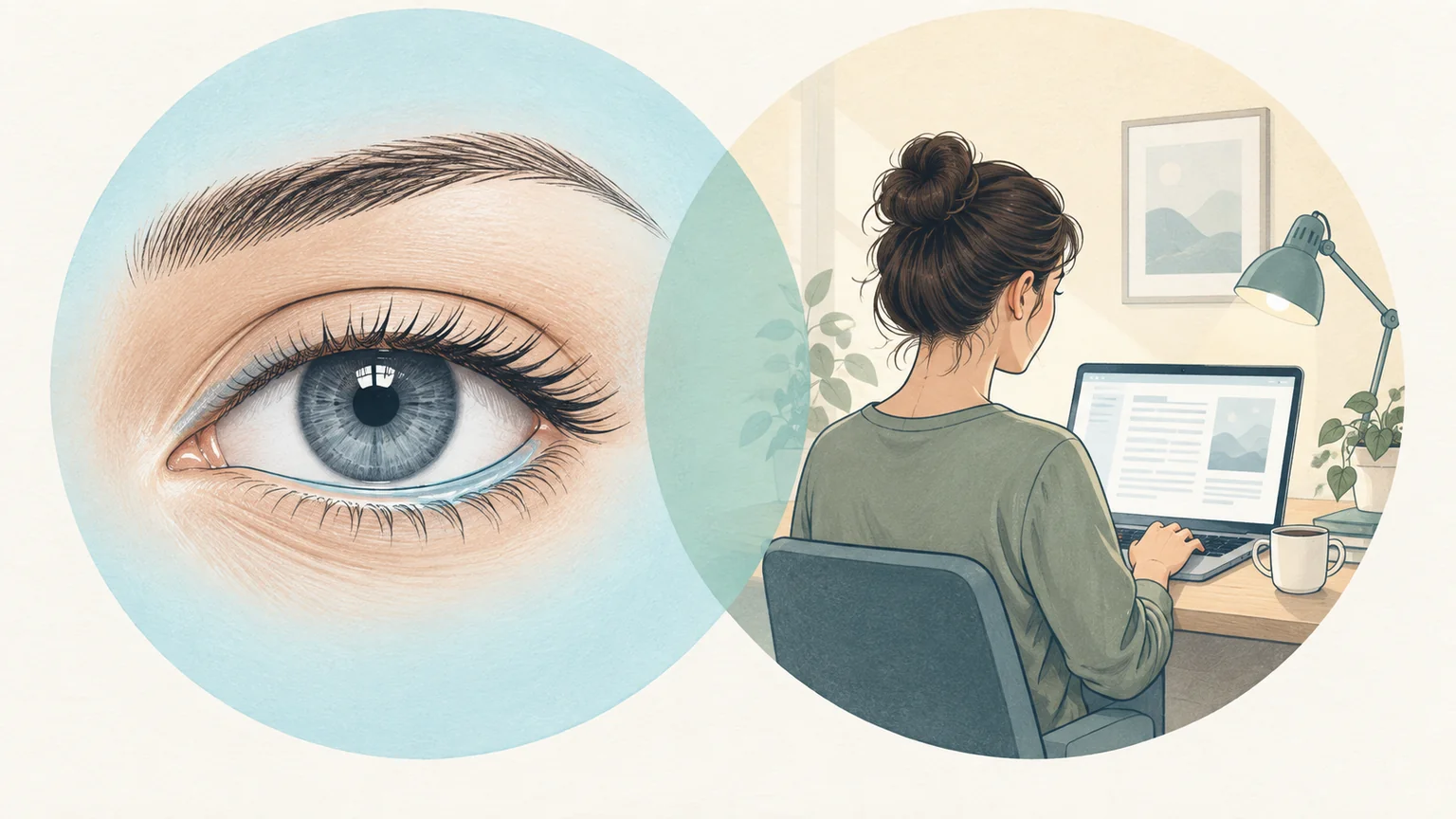
- Eye surface and tear film
- Screen use and discomfort
Dry eye concerns the tear film; digital eye strain describes complaints associated with screen use. The terms can overlap.
What each term covers
Dry eye
Healthy tears form a thin film with an oily outer layer, a watery middle layer, and a mucus layer that helps the film stick to the eye. Dry eye can involve too few tears or tears that do not work well, for example because they evaporate too quickly. See how the tear film is built.
The National Eye Institute describes symptoms such as a scratchy feeling, stinging or burning, red eyes, sensitivity to light, and blurry vision. It lists being 50 or older and wearing contact lenses among the risk factors, and suggests taking breaks from screens as one way to help dry eyes feel better. See the NEI list of dry eye risk factors.
Digital eye strain
Digital eye strain, also called computer vision syndrome, is not one condition with one cause. The AOA lists eye strain, headaches, blurred vision, dry eyes, and neck and shoulder pain among the common complaints. Read our guide to computer vision syndrome.
The AOA points to several contributors: poor lighting, glare on the screen, an unsuitable viewing distance, poor seating posture, and vision problems that are not fully corrected. Often, more than one of them is involved. See the AOA list of causes and risk factors.
Why the terms overlap
Focused screen work can feed both at once. When you concentrate, you tend to blink less often, and more of your blinks may stop short of closing fully. Longer gaps between full blinks give the tear film more time to thin, which can leave your eyes feeling dry. The same session also keeps your eyes focused up close for a long time, which can bring on tired eyes or a headache. Read about incomplete blinking.
Because the complaints overlap, a single symptom rarely points to a single cause. Blurred vision, for example, can come from a tear film that has thinned between blinks or from close work with glasses that do not suit the distance. Even watery eyes can be a sign of dryness. Find out why dry eyes can water.
What helps with each
Some changes help with both, while others target one side of the picture:
- For dry-feeling eyes: Redirect fans and vents away from your face, pause regularly to blink fully, and notice whether contact lenses or dry indoor air make a difference. Check the airflow at your desk.
- For tired, strained eyes: Make text large enough to read without leaning in, reduce glare, and set up your screen at a suitable height and distance. Adjust screen height and distance.
- For both: Step away from close work regularly. The 20-20-20 rule gives your eyes a break from close focus and a natural moment to blink: every 20 minutes, look at something about 20 feet away for 20 seconds. See how the 20-20-20 rule works.
What an eye doctor checks
An eye exam can help sort out what is behind eye discomfort. For digital eye strain, the AOA describes an exam that covers your symptoms and work habits, measures your vision, checks whether your prescription suits your screen distance, and tests how your eyes focus, move, and work together. See how the AOA evaluates digital eye strain.
For dry eye, the National Eye Institute describes tests that look at the tear film directly: an exam with a slit lamp microscope, a measurement of tear production, and a check of how quickly the tear film breaks up after a blink. See how eye doctors test for dry eye.
Before the visit, note when your eyes bother you, what you were doing, how far away your screens are, and whether you wear contact lenses. These details help your eye doctor connect the findings to your workday.
Make screen time more comfortable
Start with your workspace. Check whether you can read your usual documents and apps comfortably while sitting with your back supported. Include chat windows and reference documents on any second monitor.
Blinking and breaks are the habits that slip first when you are absorbed in work. BlinkEasy tracks your blink rate through your webcam and reminds you to blink and to look away from the screen, so you don't have to keep track yourself. Try BlinkEasy free for 14 days.
Our desk setup checklist covers practical adjustments to your screen, text size, and lighting. Start with the desk setup checklist.