Screen ergonomics
The 20-20-20 Rule: How It Works and How to Remember It
Every 20 minutes, look at something 20 feet away for 20 seconds. How the 20-20-20 rule rests your eyes, where to look, and how to remember your breaks.
What the three twenties mean
The American Optometric Association describes the 20-20-20 rule this way: after 20 minutes of screen use, spend 20 seconds looking at something about 20 feet away. That distance is approximately 6 meters. See the AOA guidance on the 20-20-20 rule.
These short pauses give your eyes a rest from close-up work and a chance to refocus before you return to the screen.
- Every 20 minutes
- About 20 feet (6 meters)
- For 20 seconds
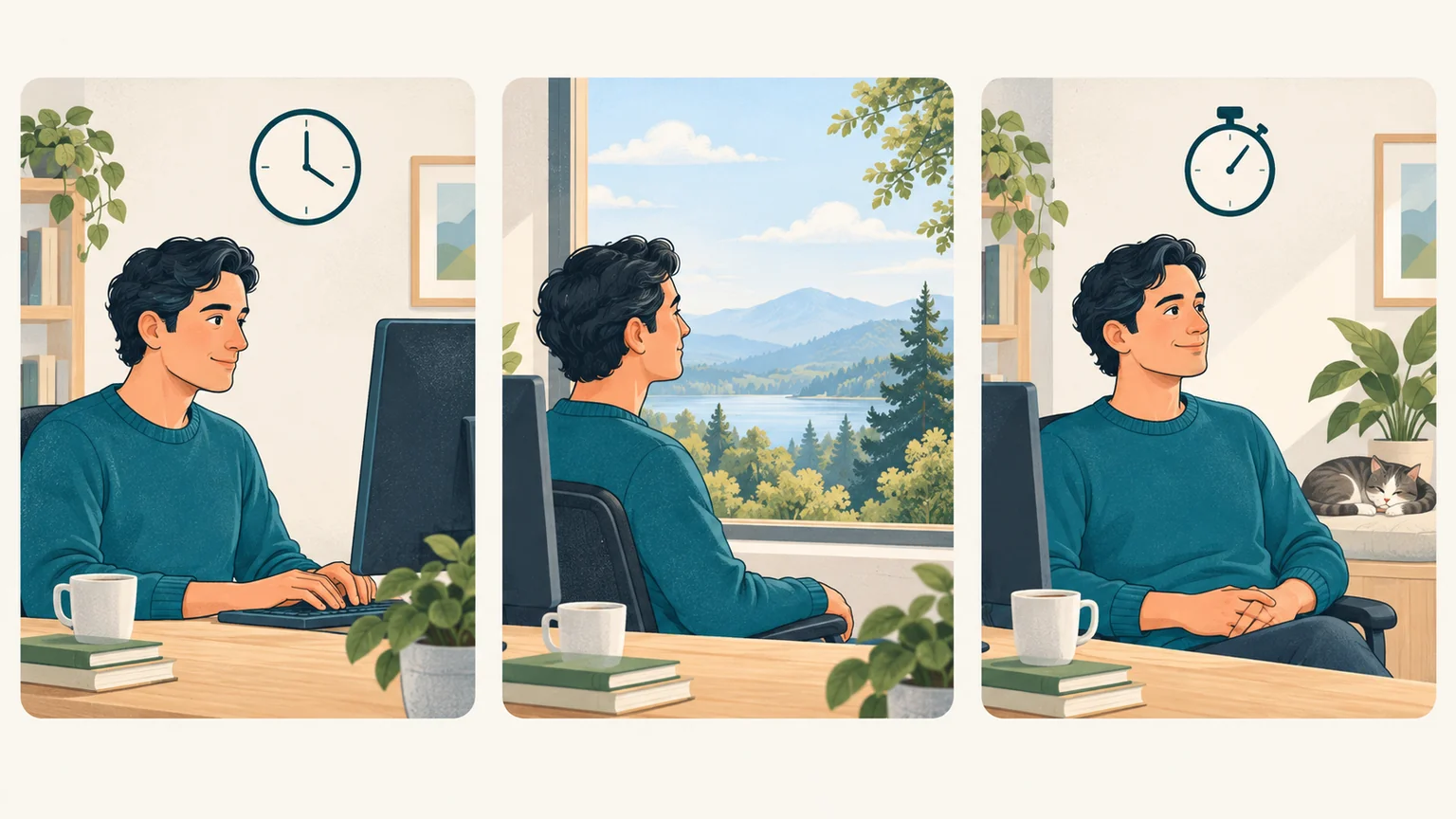
Every 20 minutes, look at something about 20 feet away for 20 seconds.
Why looking into the distance helps
Reading or working on a screen keeps your eyes focused at a short distance. Looking farther away changes that focusing demand and gives the muscles that help your eyes focus a chance to relax. The AOA recommends distance breaks as a way to rest the eyes during screen use. Read the AOA tips for screen breaks.
Distance breaks are one part of easing digital eye strain. Our computer vision syndrome guide covers the other factors, from blinking to screen position. Read our guide to computer vision syndrome.
In a 2023 study, 29 computer users with eye-strain symptoms used 20-20-20 software reminders for two weeks. The table compares their average scores just before the reminders were enabled with scores after two weeks. Lower scores mean fewer symptoms.
| Measurement | Before reminders | After two weeks of reminders |
|---|---|---|
| Screen-related symptom score (CVS-Q) | 11 | 8 |
| Dry-eye symptom score (OSDI, 0–100) | 24.64 | 18.95 |
| Dry-eye symptom score (SANDE I total) | 34 | 28 |
Source: Talens-Estarelles C, Cerviño A, García-Lázaro S, Fogelton A, Sheppard A, Wolffsohn JS (2023). The effects of breaks on digital eye strain, dry eye and binocular vision: Testing the 20-20-20 rule. Contact Lens and Anterior Eye, 46(2), 101744.
The study had no untreated comparison group, and tear-film tests did not improve. Dry-eye symptom improvements were no longer statistically clear one week after the reminders stopped.
A separate laboratory study of 30 young adults compared 20-second breaks every 5, 10, or 20 minutes with no break during 40-minute tablet reading sessions. The break schedules did not significantly reduce symptoms.
Source: Johnson S, Rosenfield M (2023). 20-20-20 Rule: Are These Numbers Justified? Optometry and Vision Science, 100(1), 52–56.
Look at something in the distance
Pick a distant object that is easy to see from your usual position. It might be a building through a window or something at the far end of an open office. Choose a spot away from bright lights so you know where to look when a reminder appears.
If your room is small, a view through a window or an open doorway may give you something farther away to look at. Let your gaze rest there comfortably for about twenty seconds before returning to your screen.
Put your phone aside during the break. Reading a message or checking another display keeps your attention on a nearby screen.
Let BlinkEasy remind you to take a screen break
It is easy to lose track of time while reading, writing, or working through a spreadsheet. BlinkEasy can remind you to take regular screen breaks. Use each screen-break reminder to look away from the display and rest your eyes on something in the distance for twenty seconds. Try BlinkEasy free for 14 days.
If a reminder appears while you are writing, finish the sentence or note what you want to do next before taking a break. That makes it easier to pick up where you left off.
Use the pause for a few full blinks as well. Our blinking-break routine takes only a moment. Try a simple blinking break.
Leave room for longer breaks
Short distance breaks fit between tasks, while longer breaks give you time to step away from the screen. The AOA also recommends resting your eyes for fifteen minutes after two hours of continuous computer use. See the AOA guidance on screen breaks.
Use a longer break to walk around, get something to eat, or do a task away from screens and close-up reading.